
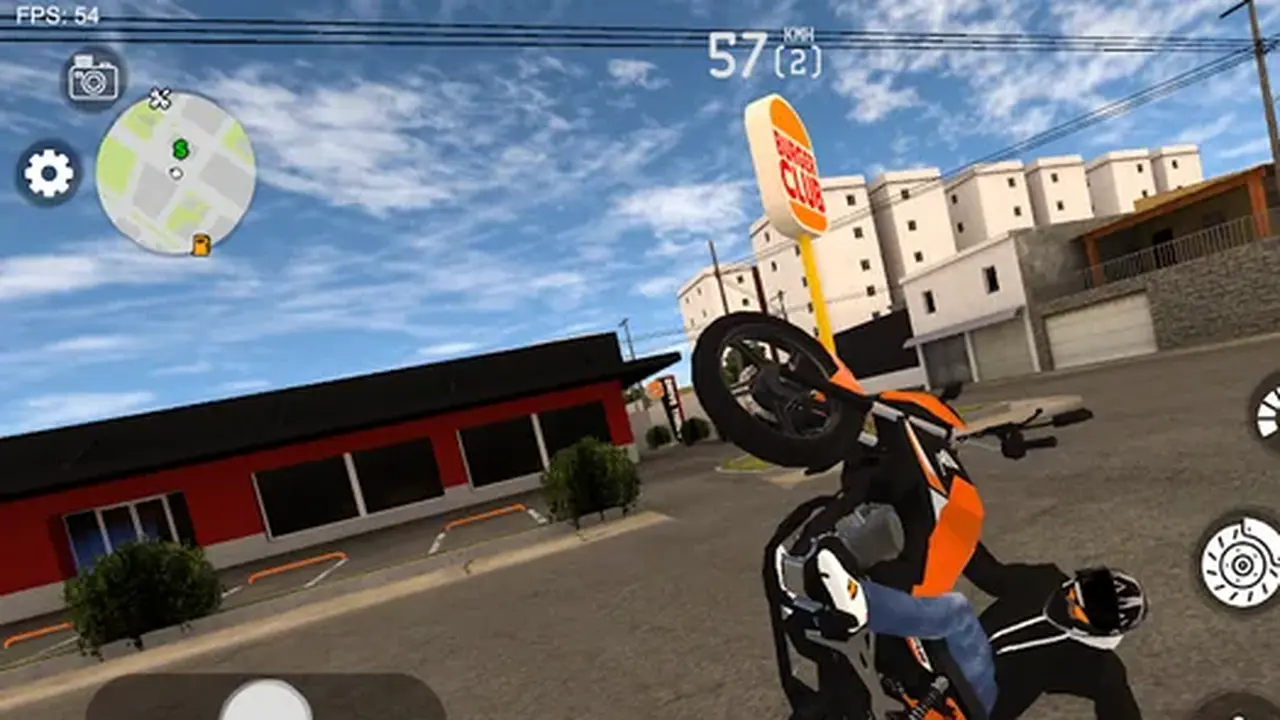

Installing Elite Auto Brasil for Android starts on the download page, where the file is linked after a short countdown. The file is an XAPK bundle. Android's default installer does not install it directly, so an installer app is needed to install it. The steps are short: tap the link, open the downloaded file with an installer app, install it in the installer app, allowing the one time install permission if Android asks, and wait for the install to finish.
After installing, verify two things before riding: the app info matches the APK Details table on the download page, and the game opens to the map. The first run loads map data, so stay on a stable connection for a minute before judging speed.
If the install fails, check free storage, confirm the download finished fully, and confirm your Android version meets the minimum in the APK Details table. The low end phones guide covers smooth settings after install, and the beginner guide covers your first ride.