
Elite Auto Brasil
Guide

Elite Auto Brasil on Low End Phones: Settings That Keep It Smooth

Elite Auto Brasil runs on Android, but older phones need the right settings. This guide keeps the game smooth on low end hardware.

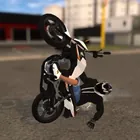
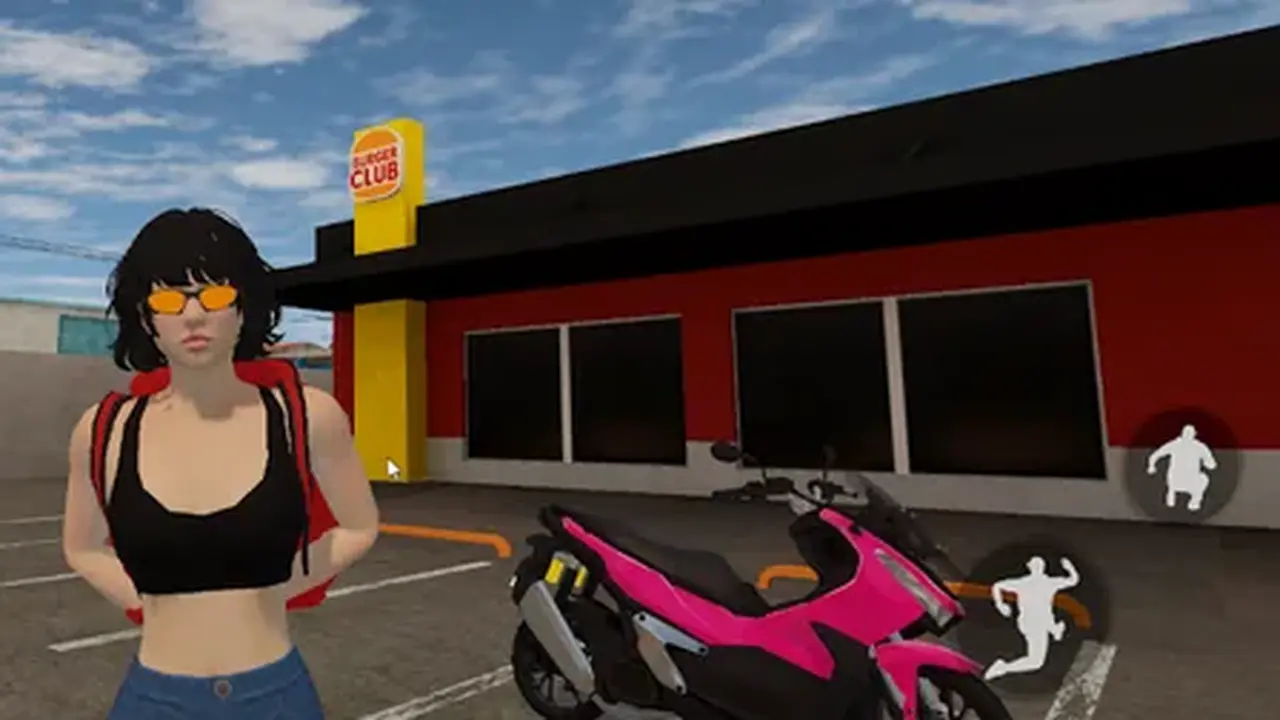
Close view of the rider character and the pink scooter in Elite Auto Brasil

Elite Auto Brasil game is listed for Android, which covers a lot of older phones, but the open map still asks work of the hardware. The first step on a low end phone is the graphics setting: drop it to the lowest option and test on an empty avenue before judging anything. A smooth low setting beats a stuttering high one every time.

Close other apps before a session, and restart the phone if the game has been installed a while without a reboot. Background apps steal memory the map needs, and the first load after install is always the slowest, so give it a full minute on a stable connection before riding.

Traffic off and daytime riding are the cheapest performance wins after graphics: fewer moving cars means less to draw, and daylight avoids the extra lighting work of night scenes. The day and night guide and the install guide cover the rest.

Elite Auto Brasil Questions

What Android version is needed?

Android, according to the Play Store listing; the exact minimum is in the APK Details table.

Why is the first load slow?

The game loads map data on first run. Give it a minute on a stable connection before riding.

Miguel Torres

Written by

Miguel Torres

Driving Game Reviewer and APK Tester

Miguel Torres covers driving and simulation games from Cuba. He tests each game on real Android phones, checking how it installs, how it plays on low-end hardware, and whether the controls feel right before a download goes up.